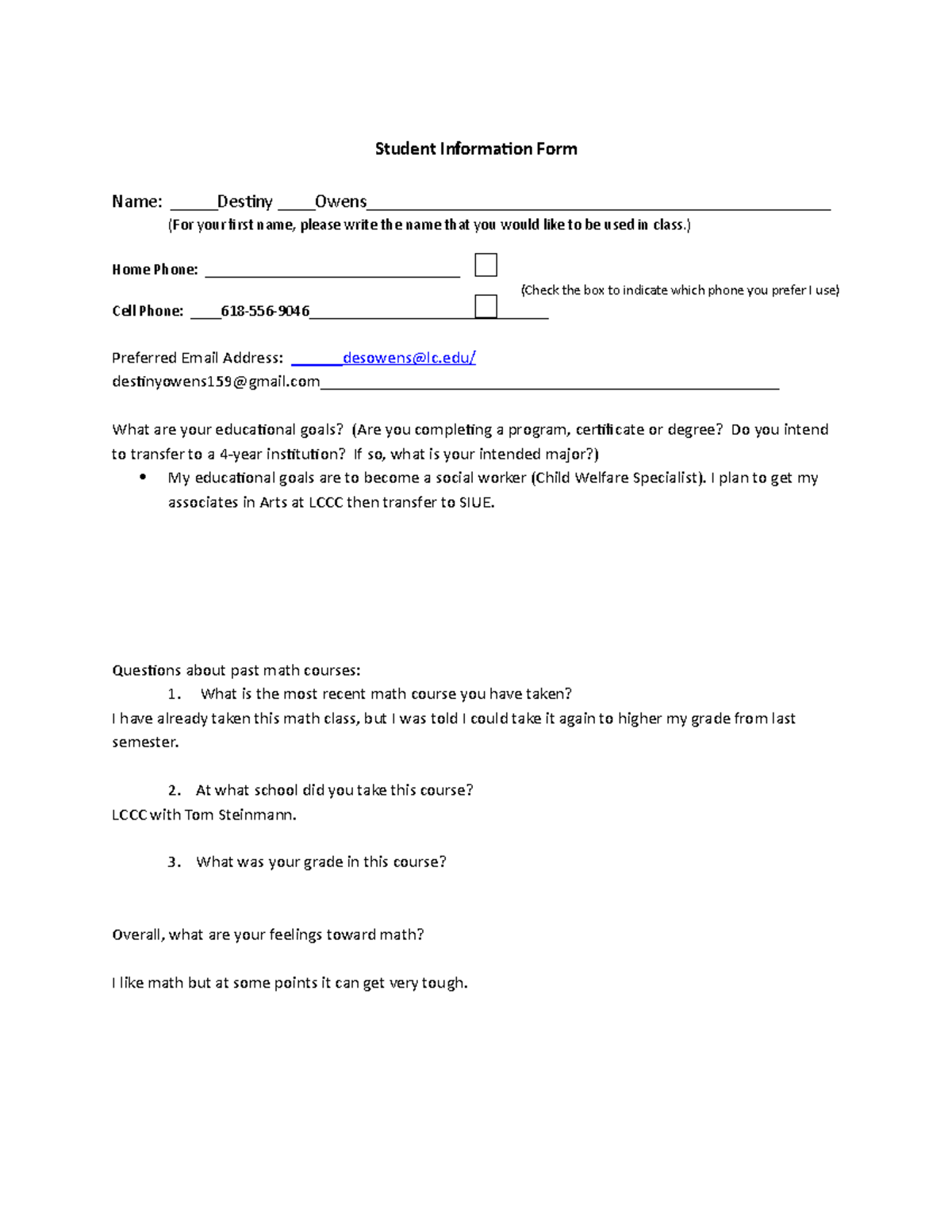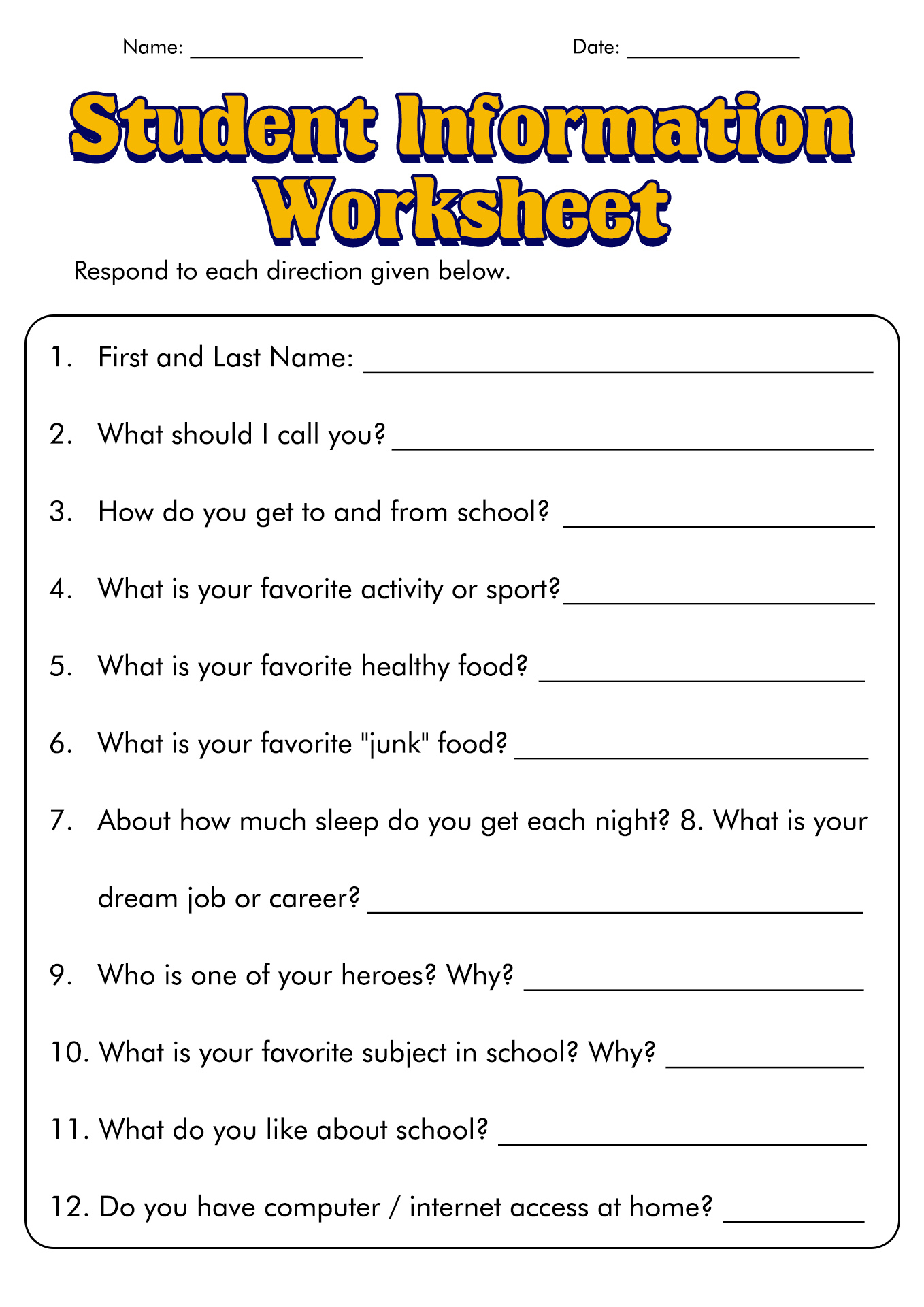
Chipola Student Information Worksheet serves as a cornerstone document for educators, administrators, and parents who aim to capture essential student data efficiently and accurately, ensuring that every child’s academic journey is supported by reliable information from day one.
Why the Chipola Worksheet Is Essential for Modern Schools

In today’s data‑driven educational environment, having a standardized, easy‑to‑fill form streamlines communication between home and school, reduces administrative errors, and complies with state reporting requirements. The Chipola Student Information Worksheet consolidates personal details, emergency contacts, health information, and academic preferences into a single, printable format that can be archived digitally or kept on file for quick reference. Schools that adopt this worksheet report faster enrollment processes, improved emergency preparedness, and better parental engagement.
Key Components of the Chipola Worksheet

Personal Identification Section
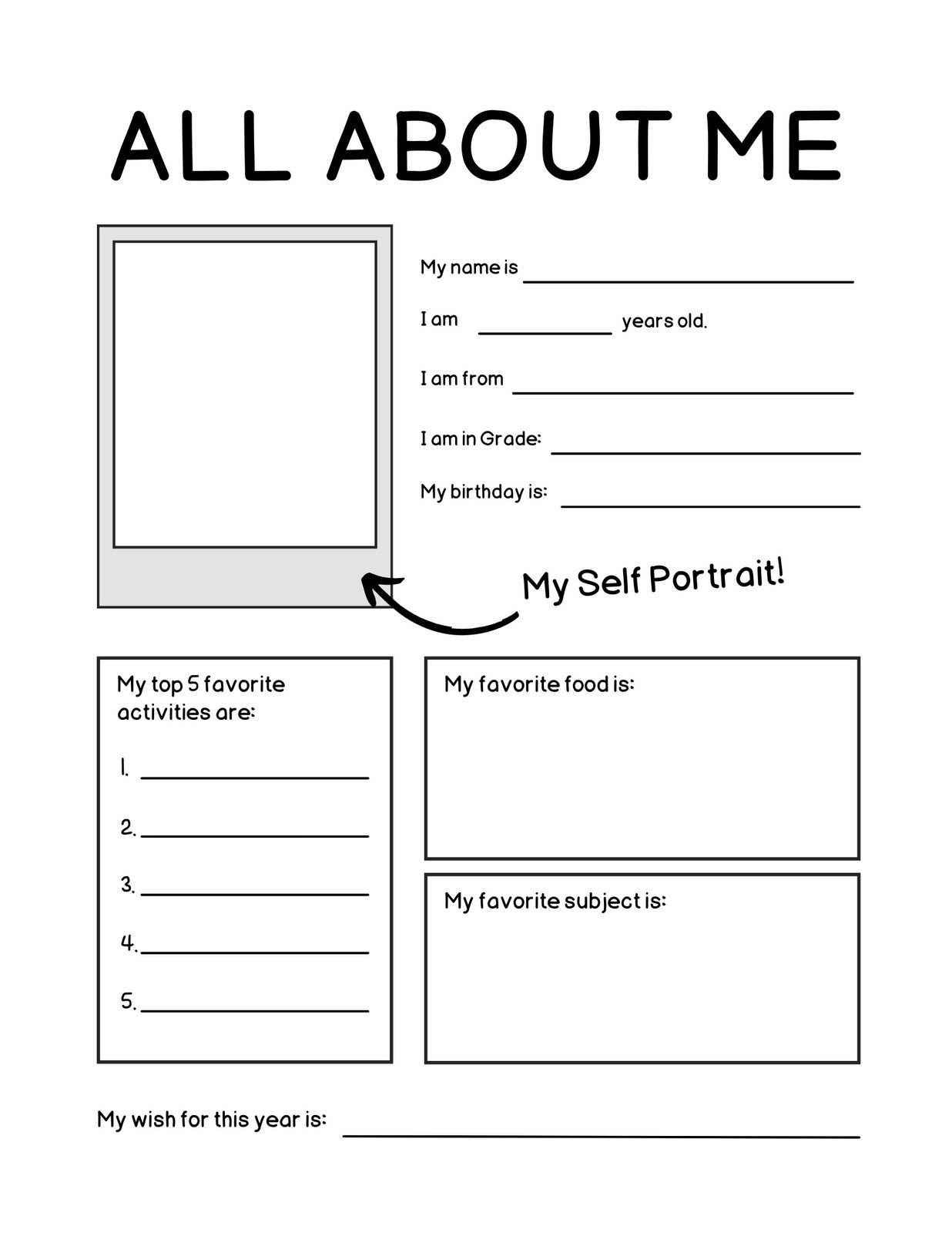
This section captures the student’s full legal name, date of birth, gender, and preferred name. Including both legal and preferred names helps teachers address students respectfully and prevents confusion on official documents. The form also requests a photograph, which can be used for classroom displays, ID badges, and school directories.
Contact Information
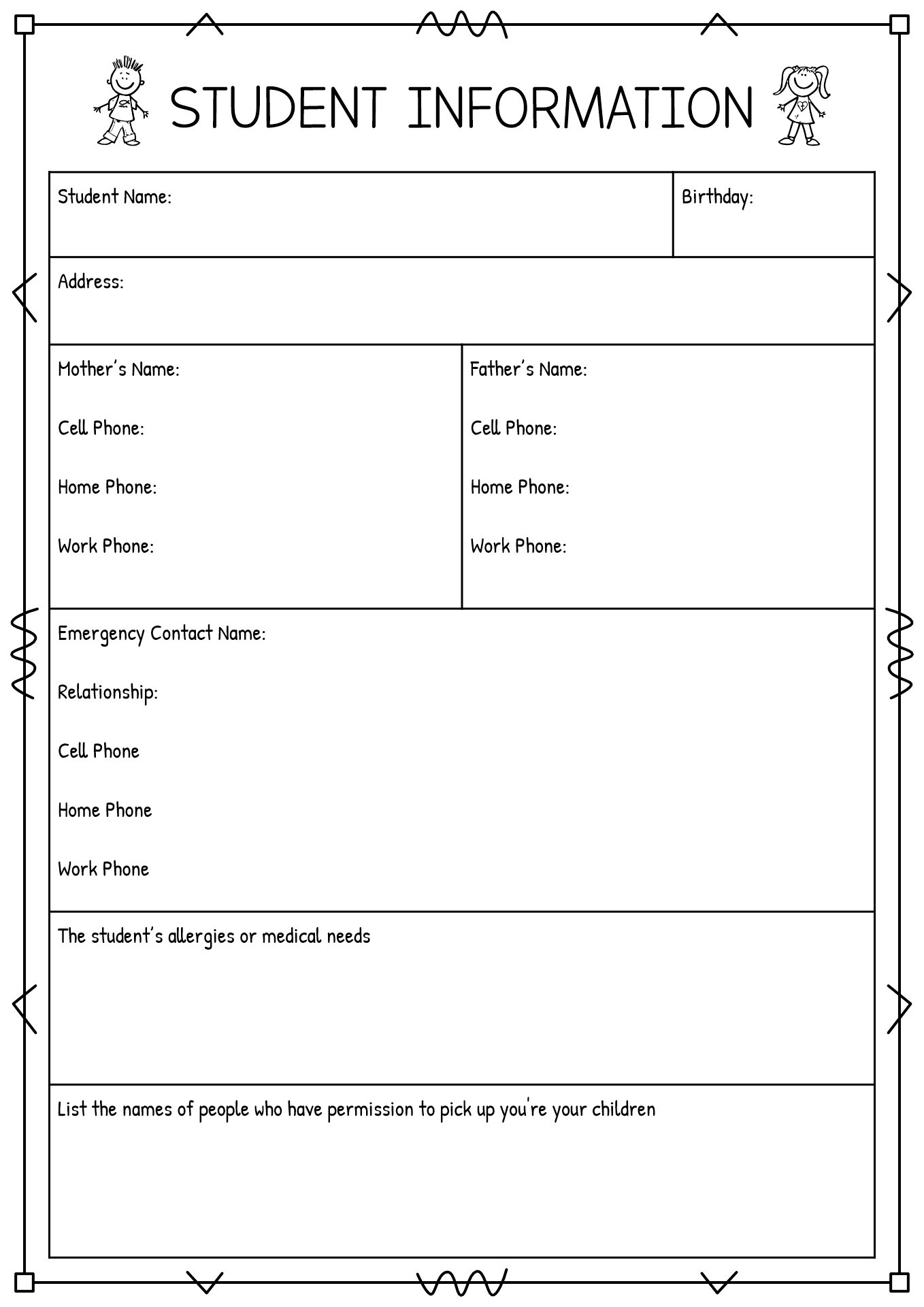
Accurate contact details are vital for timely communication. The worksheet asks for:
- Primary and secondary home addresses.
- Parent/guardian names, relationship to the student, and preferred language.
- Primary, secondary, and emergency phone numbers, including mobile and work lines.
- Email addresses for both parents/guardians and the student (if applicable).
Collecting multiple points of contact ensures that the school can reach families during routine notices as well as urgent situations such as weather closures or health emergencies.
Health and Safety Details
Understanding a student’s medical needs protects their well‑being while on campus. The worksheet includes fields for:
- Allergies (food, medication, environmental).
- Chronic conditions (asthma, diabetes, seizures) and required accommodations.
- Current medications, dosage, and administration times.
- Immunization records and any required documentation.
- Emergency medical contacts and preferred hospitals.
Having this information readily available enables school nurses and staff to respond promptly and appropriately during health incidents.
Academic and Learning Preferences
Beyond basic demographics, the Chipola Worksheet gathers insight into each student’s learning style and support needs. Typical entries include:
- Preferred learning modalities (visual, auditory, kinesthetic).
- Special education eligibility, Individualized Education Program (IEP) status, and related services.
- English language proficiency and any ESL support requirements.
- Extracurricular interests that can inform placement in clubs, sports, or enrichment programs.
These data points guide teachers in differentiating instruction and fostering an inclusive classroom environment.
How to Implement the Worksheet Effectively
Step 1: Distribute and Collect
Begin the school year by sending the printable worksheet home with each incoming student. Offer both paper copies and a secure online version to accommodate families with limited internet access. Provide clear instructions on how to fill out each field, and set a firm deadline for return to keep enrollment timelines on track.
Step 2: Verify Accuracy
Once received, administrative staff should cross‑check the information against existing records. Verify phone numbers, address formatting, and health details for completeness. If discrepancies arise, contact families promptly to correct errors before the student’s first day.
Step 3: Input Data into School Management Systems
Most modern student information systems (SIS) allow bulk uploads of CSV files. Convert the completed worksheets into a spreadsheet, ensuring column headings match the SIS field names. Conduct a test import with a small sample to confirm data maps correctly, then proceed with the full upload.
Step 4: Secure Storage and Privacy Compliance
Because the worksheet contains personally identifiable information (PII), schools must store it in compliance with FERPA and state privacy statutes. Physical copies should be locked in a restricted cabinet, while digital files must be encrypted and accessible only to authorized personnel. Establish a retention schedule that aligns with district policy—typically five years after a student graduates or transfers.
Step 5: Ongoing Updates
Students’ circumstances change over time. Schedule annual or semi‑annual check‑ins where families can update contact or health information. Provide a simplified version of the worksheet for quick edits, and remind parents of the importance of keeping records current for safety and communication.
Customizing the Chipola Worksheet for Your School’s Needs

While the default template covers most essential data, schools often benefit from tailoring the form to reflect local requirements or specific programs. Below are common customization strategies:
- Language Translation: Offer the worksheet in Spanish, French, or other prevalent community languages to improve completion rates.
- Program‑Specific Sections: Add fields for magnet or STEM program preferences, art portfolio links, or athletic tryout information.
- Technology Access Survey: Include questions about home internet availability and device ownership to inform digital learning initiatives.
- Behavioral and Social‑Emotional Data: Provide optional sections for recent counseling services or behavioral plans, supporting a holistic approach to student welfare.
When customizing, keep the layout clean and avoid overwhelming families with excessive questions. Use clear headings, ample white space, and simple language to encourage accurate completion.
Benefits of Using a Printable Format

Although many districts favor fully digital enrollment, a printable worksheet offers distinct advantages:
- Tactile Accessibility: Families without reliable internet can fill out forms offline.
- Reduced Technical Barriers: No need for training on complex online portals.
- Easy Verification: Physical copies allow staff to mark completed sections with checks or initials, providing a visual audit trail.
- Backup Redundancy: In the event of a cyber‑incident, paper records serve as a reliable fallback.
Balancing digital efficiency with printable options ensures equitable access for all families.
SEO Considerations When Publishing the Worksheet Online

To maximize visibility for families searching for “Chipola Student Information Worksheet,” schools should follow best practices for on‑page SEO:
- Include the exact phrase Chipola Student Information Worksheet in the page title, meta description, and first paragraph.
- Use descriptive alt text for any worksheet preview images, e.g., “Chipola Student Information Worksheet sample PDF.”
- Structure content with clear
and
headings as demonstrated here, allowing search engines to understand the hierarchy.
- Incorporate related keywords such as “student enrollment form,” “school health information sheet,” and “parent contact form.”
- Provide downloadable PDF links with file names that include the primary keyword, enhancing file‑level SEO.
Following these tactics helps the worksheet page rank higher in local search results, driving more families to the resource.
Common Questions About the Chipola Worksheet

Is the worksheet mandatory for all students?
While some districts may require the form for enrollment, many use it as a best‑practice recommendation. Even when optional, completing the worksheet significantly reduces administrative delays and improves safety protocols.
How is the health information protected?
Health data is classified as “sensitive PII.” Schools must limit access to the nurse’s office, designated administrators, and emergency personnel. Physical copies should be stored in locked cabinets, and digital versions must be encrypted and password‑protected.
Can the worksheet be used for home‑schooling families?
Yes. Home‑schooling parents can fill out the same fields to maintain consistent records, especially if the student participates in district‑run extracurricular activities or standardized testing.
What if a parent’s contact information changes mid‑year?
Schools should have a straightforward process for updating records, such as a short “Contact Update Form” that mirrors the relevant sections of the original worksheet. Prompt updates ensure emergency communications remain reliable.
Real‑World Example: Successful Implementation at Chipola County High School
Chipola County High School adopted the Chipola Student Information Worksheet during the 2022‑2023 school year. By integrating the form into both paper and digital workflows, the school achieved the following outcomes:
- Enrollment Efficiency: Processing time decreased by 30%, allowing counselors to focus on student guidance rather than data entry.
- Improved Emergency Response: During a severe weather event, the school contacted families within minutes using the up‑to‑date phone numbers captured on the worksheet.
- Health Incident Management: A student with a severe peanut allergy received immediate care during a cafeteria incident because the allergy was clearly documented on the worksheet and flagged in the school’s health system.
- Parental Satisfaction: Survey results showed a 25% increase in parents feeling “well‑informed and supported” by the school’s communication practices.
These metrics demonstrate how a well‑designed worksheet can translate directly into operational improvements and enhanced student safety.
Conclusion

The Chipola Student Information Worksheet is more than a simple form; it is a strategic tool that empowers schools to collect, verify, and protect critical student data while fostering transparent communication with families. By understanding its key components, implementing a systematic collection process, customizing it to local needs, and safeguarding the information in compliance with privacy laws, districts can streamline enrollment, boost emergency readiness, and support individualized learning pathways. Investing time and resources into this worksheet yields measurable benefits for administrators, educators, parents, and most importantly, the students whose success depends on accurate and timely information.